Digital Printmaking
Rock's
Studio uses an HP Z3200 Designjet and Roland HiFi InkJet printer and offers large format prints up to 44 " wide by over 9 feet. These Vivera pigmented ink prints on canvas and fine rag papers have
an archival rating of up to 200 years on most substrates. Rock's Studio
has complete capabilities to work with your PC or MAC files and original artworks.
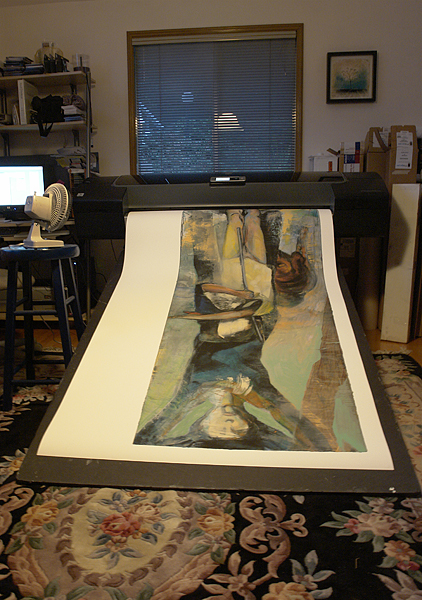
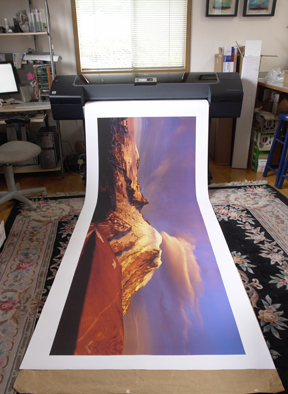
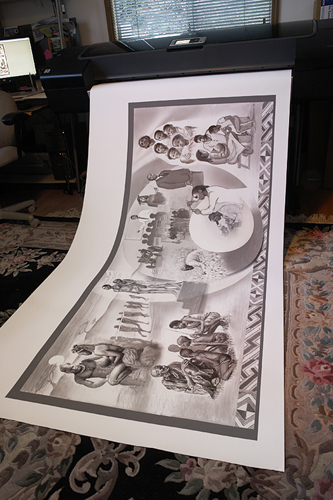
Left to right: Fiona McGuigan , Greg Probst, Al Doggett
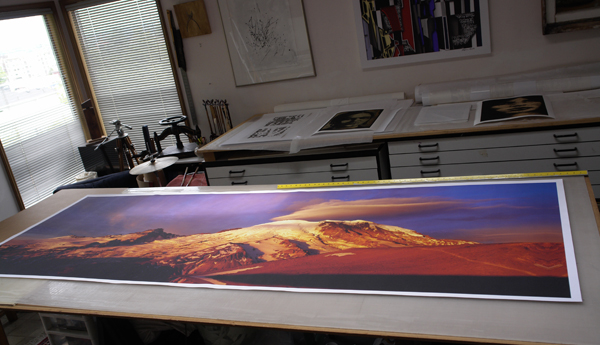
Pigmented print on Water-fast canvas for Photographer Greg Probst
Working
with many artists, galleries and museum clients over the years have given
us the experience to produce digital prints of the highest quality while working
with a variety of clientel to make sure projects go smoothly. From stretching canvas
to deckling prints to installation and mounting, Rock's Studio looks forward
to discussing your next print project.
Please call 206.935.5788 or email sarock@rockeditions.com with questions or additional information.
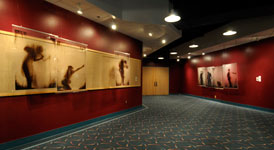
Installation of unique prints on film for Nichole DeMent at Seattle Center Theatre 2008.
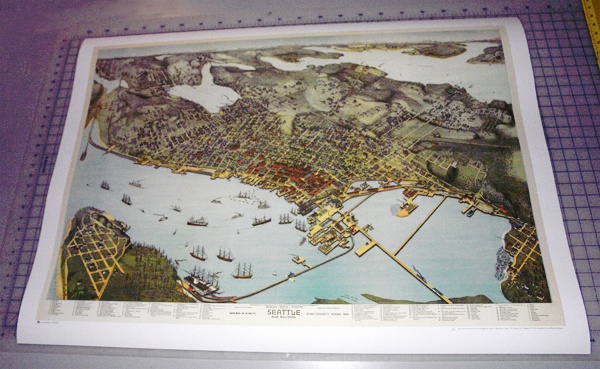
Map print for Elliot Bay Brew Pub ready to stretch.
Following
is information about setting up files
and providing original artwork for copy shots.
Originals
A copy
shot can be made from your original artwork. Original line, gray scale and
color artworks can be captured up to 36" x 48".
Please make sure artwork is dry or fixed before delivering. Call ahead to schedule a drop off.
Image
Editing
Images
needing repairs, alterations such as removing signatures or unwanted elements
in older artworks or photographs, and creative concepts are welcome. Resizing,
cropping, layout and design work, marketing sheets
and other services are available. Please call to discuss your projects.
Setting
up files for output
Formats: Mac or Windows
Media:
CD's DVD's or USB thumb drives
We are happy to arrange Dropbox file transfers.
Colorspace: Adobe 1998 works great for initial soft proofing and should be embedded in the files.
Resolution: 360, 300, 180 or 150ppi @ 100% of final output dimension is best.
Using profile to profile conversions to get from a special user colorspace to Adobe 1998 will provide very good results. Remember to change your settings in RGB setup to reflect the correct colorspace. This will allow you to more accurately review the file for adjustments before proofing (this is a good starting point for client tests for output.) In Photoshop you can preview and also embed the profile when saving.
*Please provide flattened files and any hard copy materials in advance if a match is desired.
*Let us know about any critical deadlines.
*Always back up your files!
